
Would you like to build a page section quickly without starting from scratch? Patterns are ready-made block layouts that let you insert a prebuilt design and then replace the text, images, and links with your own content.
In Lennox, patterns are especially useful when you want to build a page with sections like a hero, services, testimonials, stats, posts, or a call to action.
When to use patterns
- You want a fast page layout without designing each section from scratch.
- You want your page to match the Lennox theme style.
- You need a starting point that you can edit later.
Adding a pattern to a page
To use a pattern, go to Pages → Add Page in WordPress admin. Add a page title first. This is important because the Publish button stays disabled until the page has content such as a title.
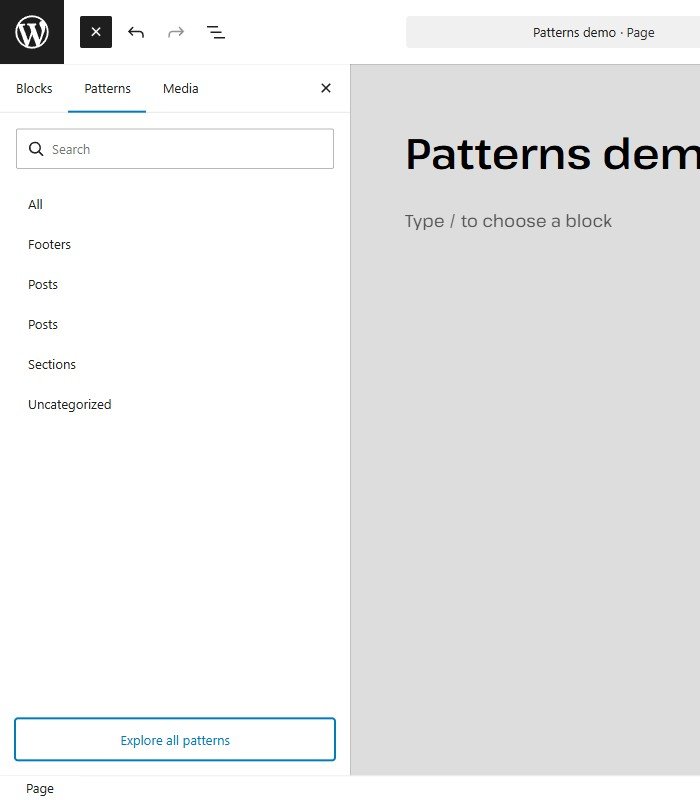
Click the Block Inserter button at the top left, then click the Patterns tab. Browse the available categories. On this Lennox site, the visible pattern categories include All, Footers, Posts, Sections, and Uncategorized.
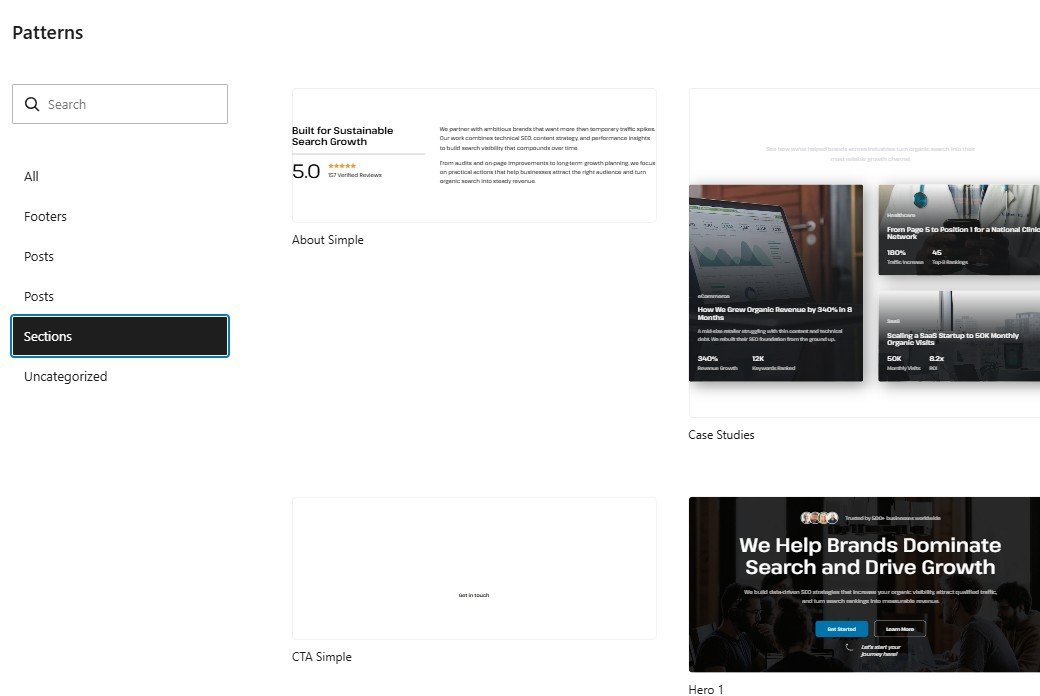
If you want the full library view, click Explore all patterns. Then click a pattern to insert it into the page and replace the demo content with your own text, images, buttons, and links.
In the full pattern library on this Lennox install, examples include Hero 1, About Simple, Services Grid, Stats, Testimonials, CTA Simple, Footer, and Posts list.
Saving your page
- While you are still working, click Save draft.
- When you are ready to make the page live, click Publish.
- WordPress opens a confirmation panel that says Are you ready to publish?
- Click Publish again in that panel to finish.
That's it. To use a pattern in Lennox, create a page, open Patterns in the block inserter, insert the layout you want, replace the content, then save or publish the page.